Skip to features
Night ShieldGet the app
Blue light filter ยท Android

Easier on your eyes after dark.

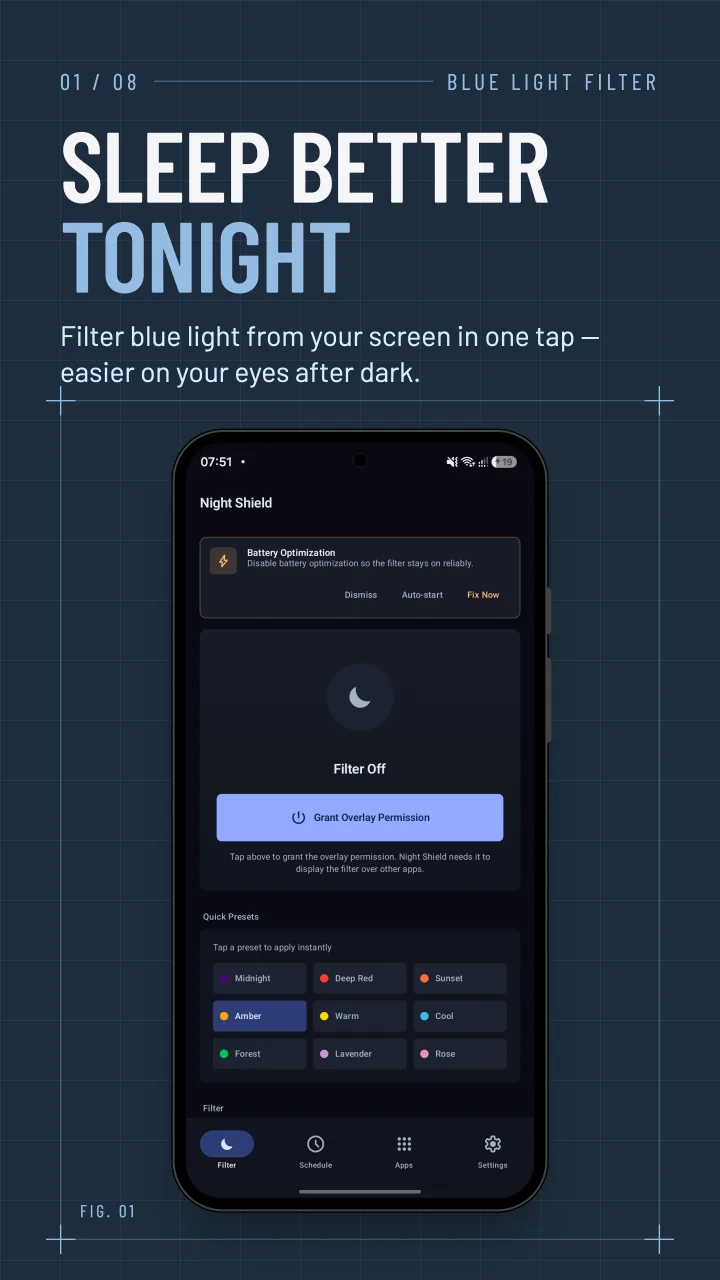
Night Shield lays a warm filter over your whole screen to cut blue light and glare after dark. One tap to switch it on, and it works over every app.

  • Works over every app
  • No account
  • Free to use
Night Shield's filter screen with a one-tap switch and quick color presets
Watch

See Night Shield in action.

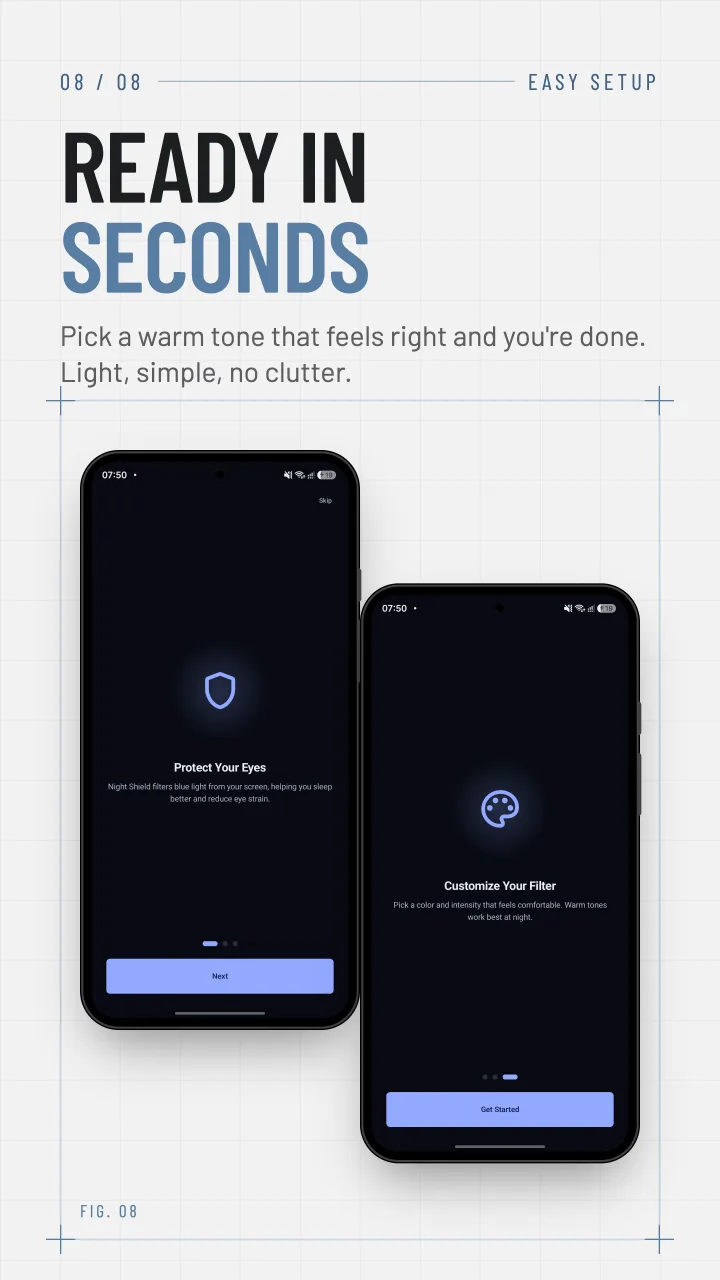
A quick look at Night Shield: pick a warm tone, set the intensity, and let schedules switch the filter on at night and off in the morning.

Filter

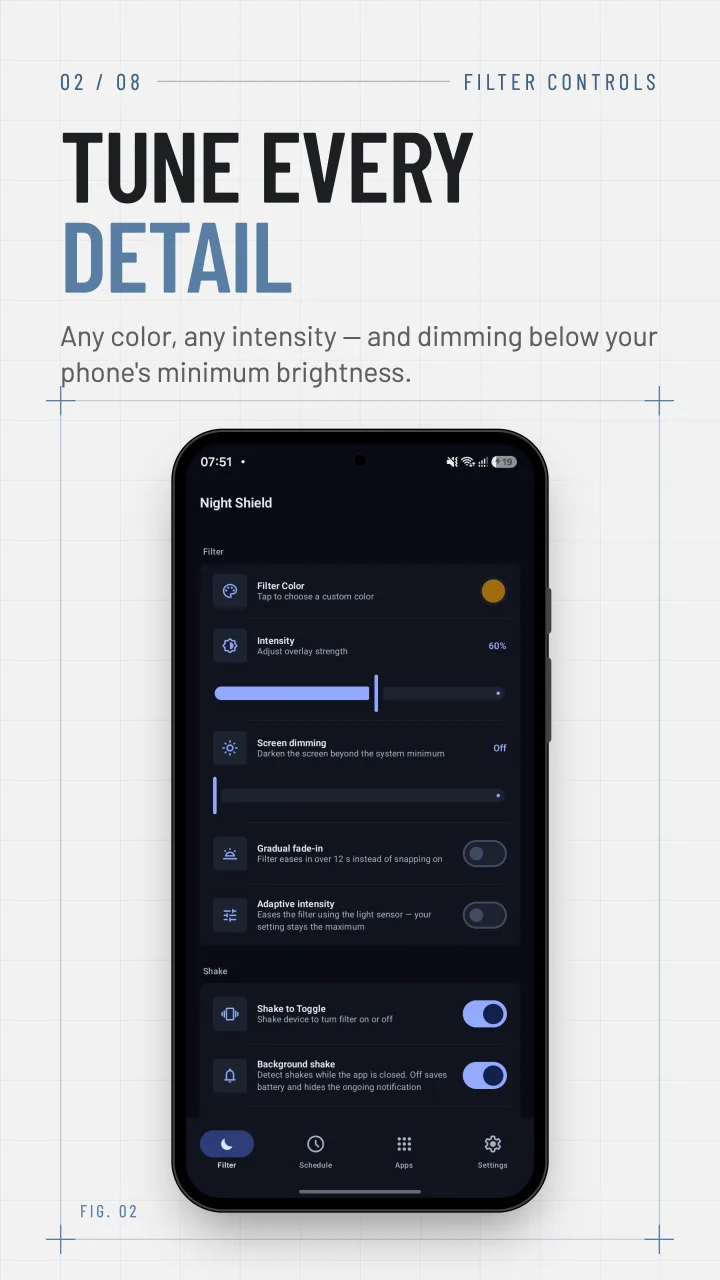
Any color, any intensity.

Start from one of nine presets, from deep red to a cool tint, or pick the exact shade on a color wheel with a live preview. Then set how strong it is.

  • 9 presets: Midnight, Deep Red, Sunset, Amber, Warm, Cool, Forest, Lavender, Rose
  • Screen dimming below your phone's minimum brightness
  • Shake to toggle, a Quick Settings tile and a home-screen widget
  • Gradual fade-in and adaptive intensity with Night Shield Pro
Night Shield's filter controls: color, intensity, screen dimming and shake to toggle
Profiles

One tap for every mood.

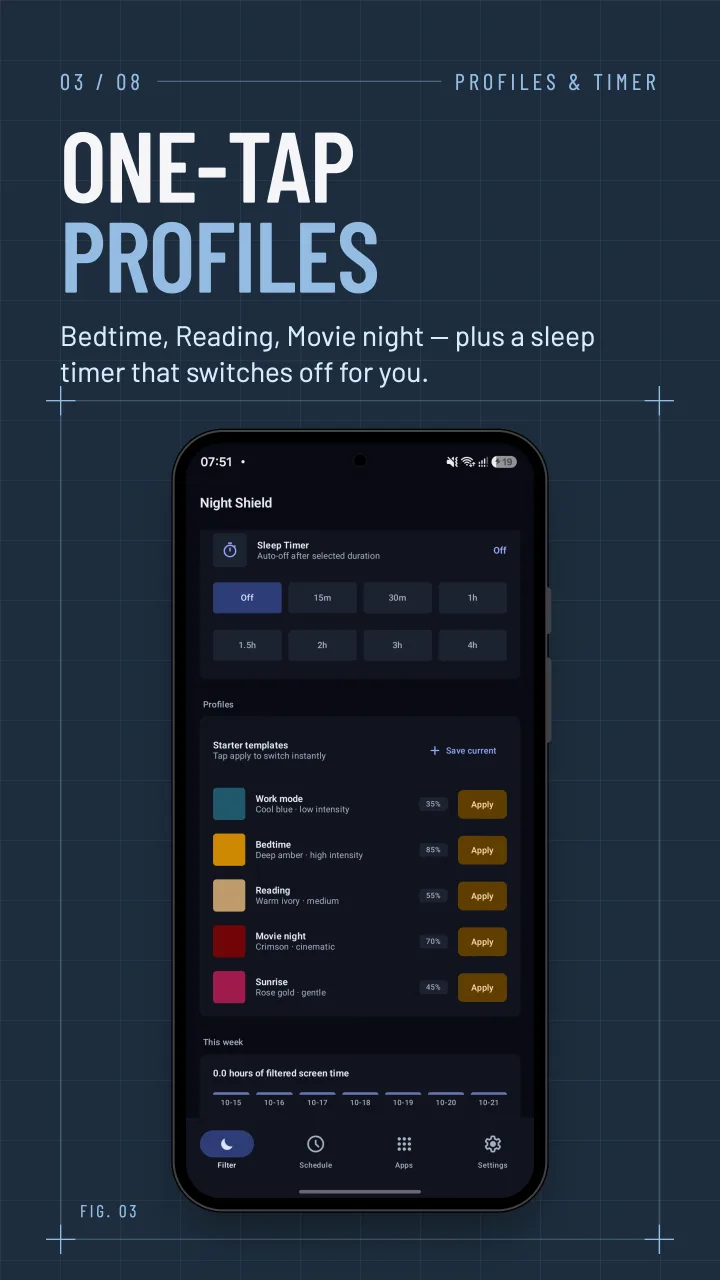
Save filter setups as profiles and switch between them in one tap, or start from the built-in ones. A sleep timer turns the filter off once you've drifted off.

  • Starter profiles: Work mode, Bedtime, Reading, Movie night and Sunrise
  • Sleep timer from 15 minutes to 4 hours
  • A bedtime routine that warms, dims and starts the timer together (Pro)
Night Shield's sleep timer and starter profiles such as Bedtime, Reading and Movie night
Schedule

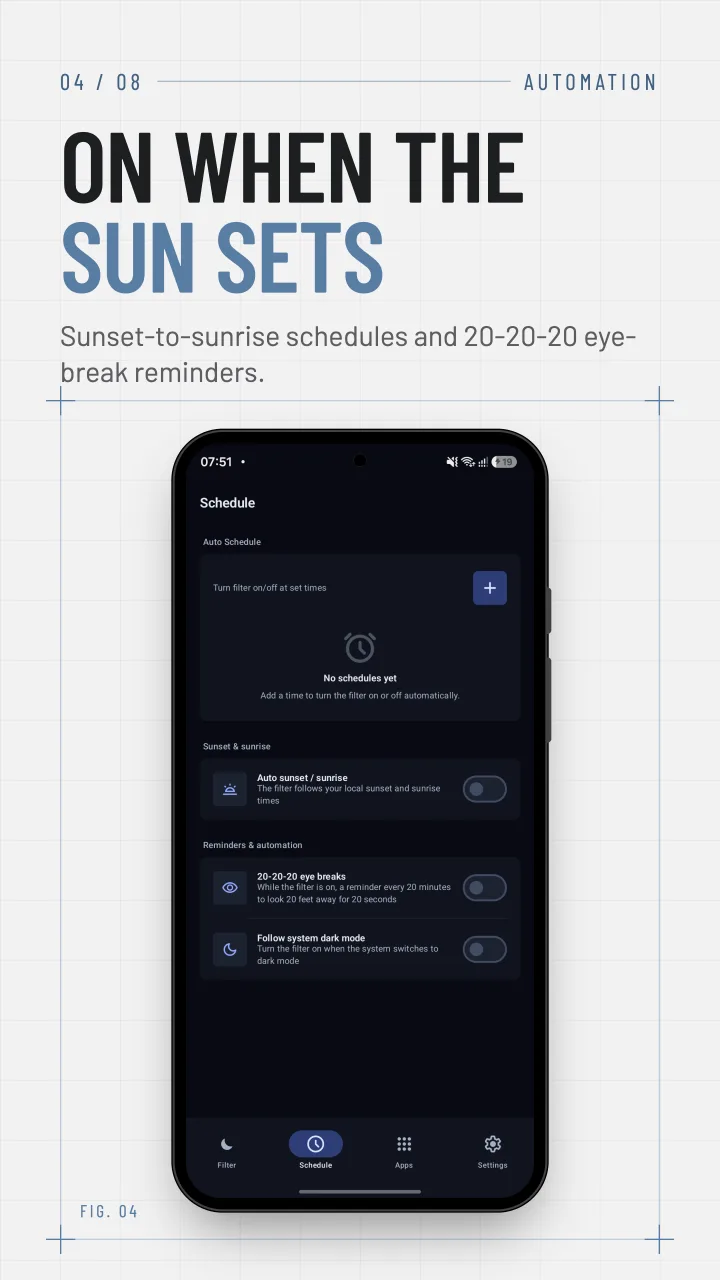
On when the sun sets.

Set the times the filter comes on and goes off, and it handles the rest, even after a restart. With Pro it can follow sunset and sunrise where you live.

  • Exact on and off times, down to the minute
  • Auto sunset and sunrise, and a sunrise mode that lifts the filter gently (Pro)
  • 20-20-20 eye-break reminders
  • Follow the system's dark mode (Pro)
Night Shield's schedule screen with sunset, eye-break and dark-mode options
Per-app

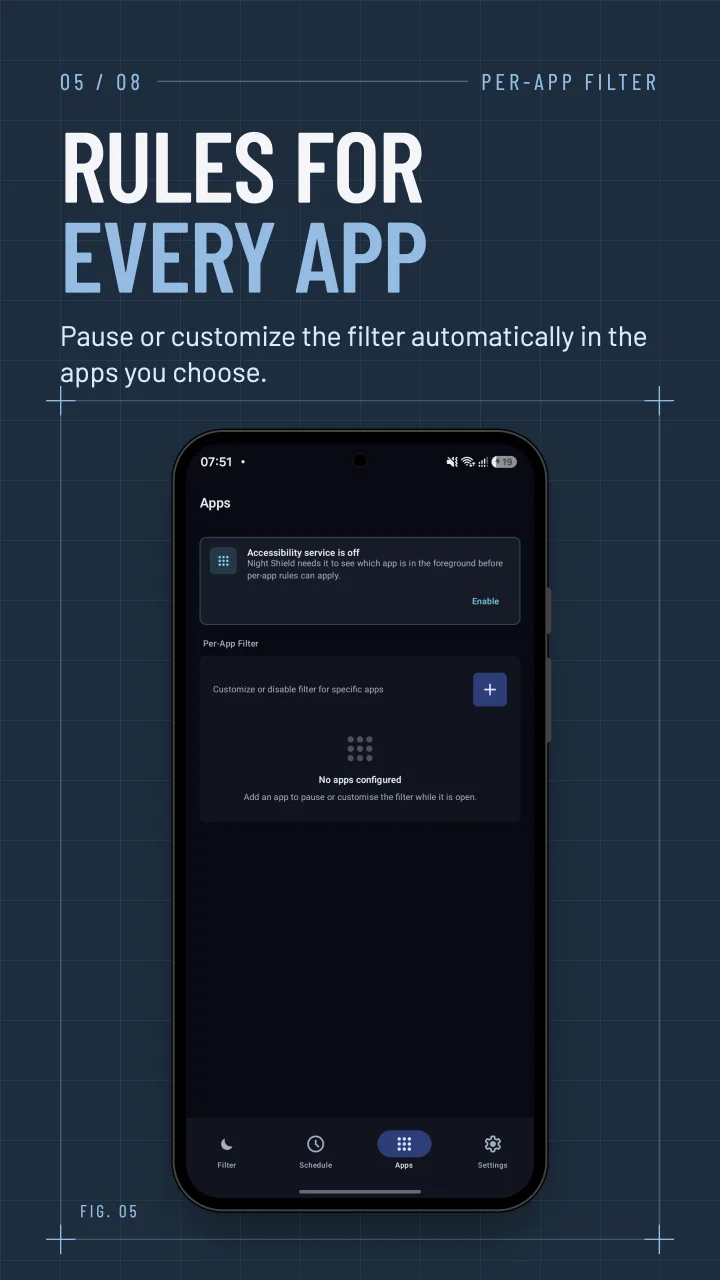
Rules for every app.

Pause the filter in the apps where true color matters, like the camera, maps or a photo editor, or give an app its own intensity. Night Shield switches as you move between apps.

  • Pause or change the filter per app
  • 1 app rule free; unlimited rules with their own color in Pro
  • Uses Android's Accessibility service only to know which app is open
Night Shield's per-app screen for pausing or customizing the filter in chosen apps
Themes

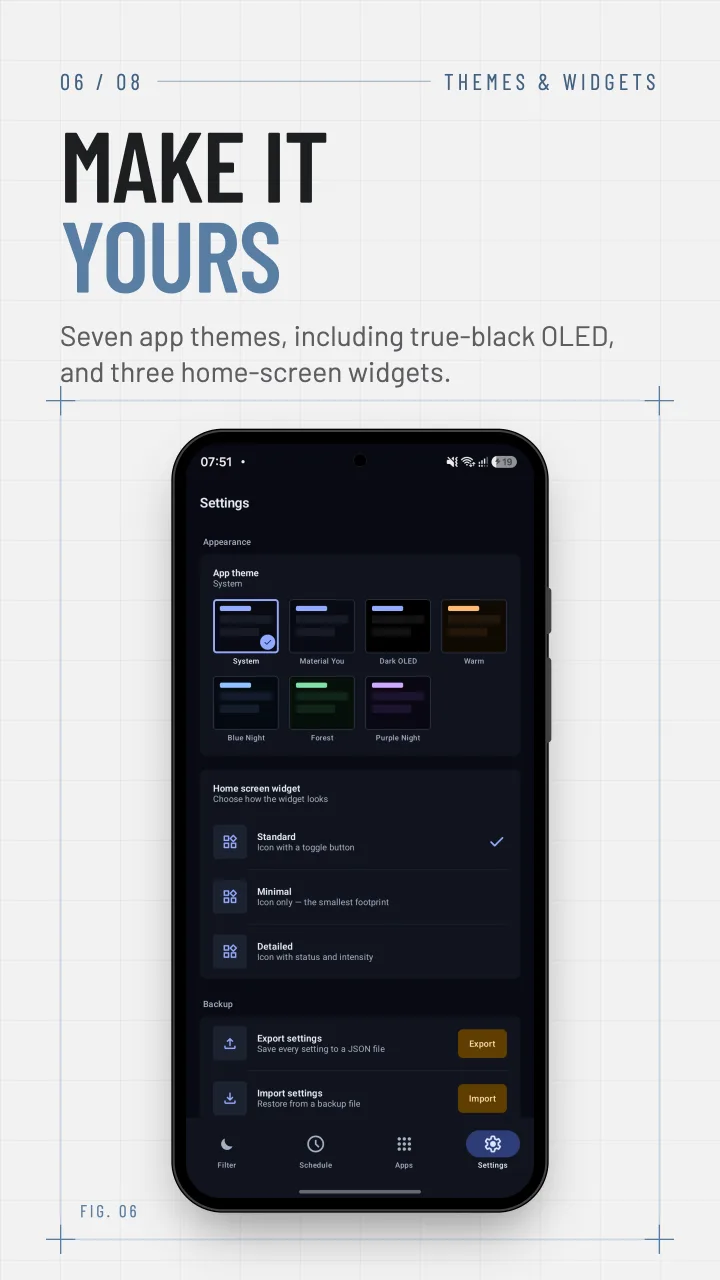
Make it yours.

Seven app themes, including true-black OLED and Material You, and home-screen widgets in three styles: standard, minimal and detailed.

  • System theme free; Dark OLED, Material You, Warm, Blue Night, Forest and Purple Night with Pro
  • Quick intensity controls from the notification and widget (Pro)
  • Tablet layout with side navigation
Night Shield's settings with app theme choices and widget styles
Power users

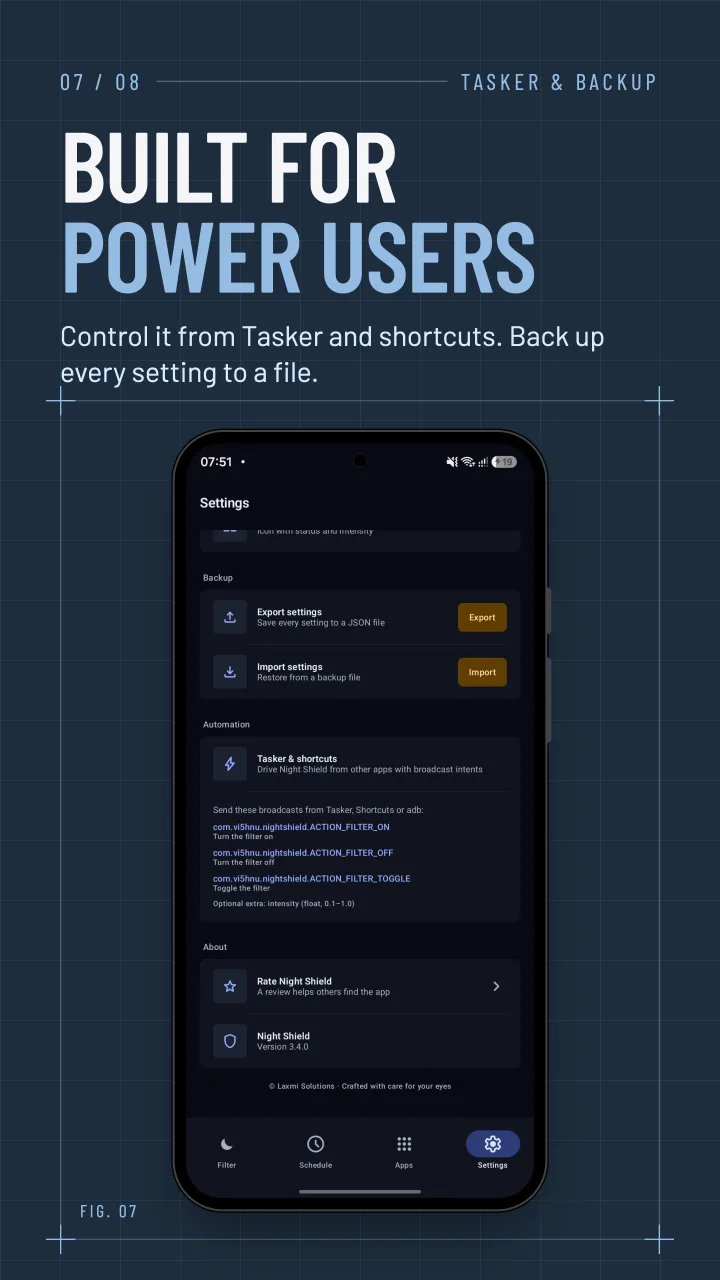
Built for automation.

Drive the filter from Tasker, Shortcuts or Bixby, back every setting up to a file, and see how much screen time you spent filtered each week.

  • Tasker, Shortcuts and Bixby actions (Pro)
  • Export and import all settings (Pro)
  • A 7-day report of your filtered screen time (Pro)
Night Shield's settings showing Tasker integration and backup options
Free & Night Shield Pro

Free to use. Pay once for more.

The filter, presets, dimming, a schedule, the sleep timer and eye-break reminders are free, with ads. Night Shield Pro is a one-time purchase through Google Play that removes ads and unlocks every feature. You can also try Pro features free for 24 hours by watching a short ad.

What the free version and Night Shield Pro include
FeatureFreePro
Blue light filter & dimmingโœ“โœ“
9 color presets & custom colorโœ“โœ“
Sleep timerโœ“โœ“
Eye-break remindersโœ“โœ“
Shake, tile & widget togglesโœ“โœ“
1 schedule & 1 per-app ruleโœ“โœ“
No adsโ€”โœ“
Unlimited schedules & per-app rulesโ€”โœ“
Auto sunset & sunriseโ€”โœ“
Profiles & bedtime routineโ€”โœ“
Adaptive intensity & fade-inโ€”โœ“
App themes & widget stylesโ€”โœ“
Tasker, backup & 7-day reportโ€”โœ“
Privacy

A filter, not a tracker.

Night Shield has no account and no analytics, and your settings stay on your phone. The Accessibility service is used only to detect which app is open for your per-app rules; it never reads what's on screen. Location is used only for sunset and sunrise times, and only if you turn that on.

Read the privacy policy
  • No sign-up, ever
  • Settings stay on your device
  • Never reads your screen
  • Location only for sunset times
FAQ

Questions, answered.

Does a blue light filter help me sleep?

Blue light in the evening can suppress melatonin, the hormone that makes you sleepy. A warm filter cuts the blue light your screen gives off and eases glare in a dark room, which many people find more comfortable at night.

Is Night Shield free?

Yes. The filter, all nine presets, custom colors, dimming, one schedule, one per-app rule, the sleep timer and eye-break reminders are free, with ads. Night Shield Pro is a one-time purchase that removes ads and unlocks everything else. No subscription.

Can it make my screen darker than the lowest brightness?

Yes. Screen dimming darkens the display beyond your phone's own minimum brightness, which helps in a completely dark room.

Why does Night Shield need the Accessibility service?

Only for per-app rules: it tells Night Shield which app is in the foreground so the filter can pause or change. It does not read or collect screen content, and the rest of the app works without it.

Can it turn on at sunset automatically?

Yes, with Night Shield Pro. It uses your approximate location to work out local sunset and sunrise times. You can also set fixed on and off times instead.

Will it drain my battery?

A static overlay uses very little power. Sensors such as the accelerometer for shake to toggle, or the light sensor for adaptive intensity, only run while you have those features turned on.

Which devices are supported?

Phones and tablets running Android 10 or newer.

Easier on your eyes after dark.

Get it on Google Play